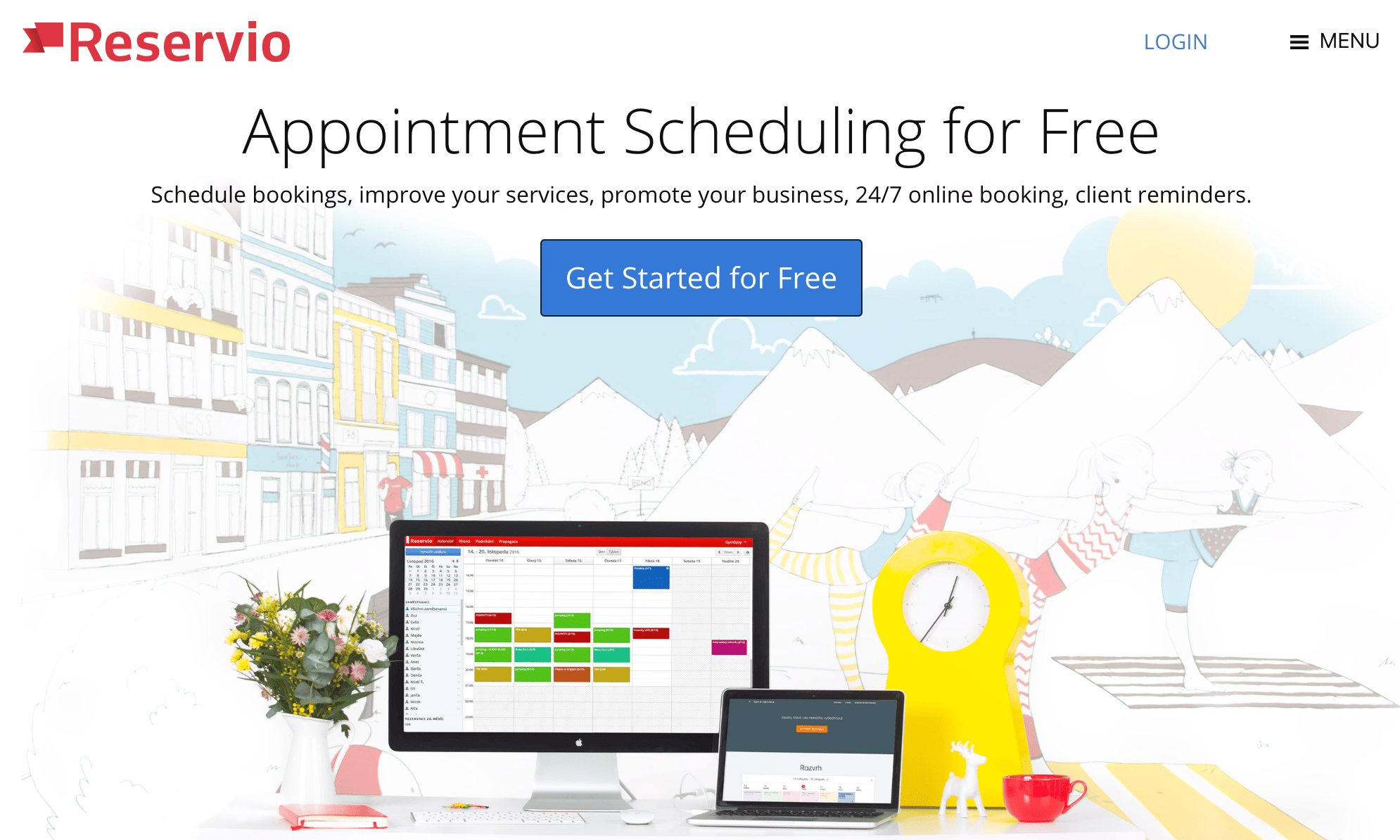
If you’re new to building and managing websites, you need to get yourself familiar with widgets as soon as possible.
What’s a widget?
Simply put, it’s website component that adds features or functionality to your site. Widgets are embedded directly onto your site, but you don’t have to develop or code them on your own.
To install a widget on your website, it’s as simple as copying and pasting some code, which will be provided by the creator of the widget. There will usually be a sufficient set of instructions for how and where to install the code from your widget-provider.
Why do you need widgets on your website?
Here’s the thing. Websites can functionally operate without widgets. But I’m sure you’ve landed on websites and wondered how they were able to add so many cool features and functionality to their pages. In many instances, they probably used a widget.
Your website builders and content management systems will be somewhat limited. Widgets fill in all of the blanks that aren’t provided by those platforms.
Widgets come in all shapes and sizes. They range from clocks, to weather feeds, and translators. But depending on the type of website you have, adding a clock or weather icon to your site doesn’t really add much value to your visitors.
That’s what inspired me to write this guide. I’ve come up with a list of the top 10 widgets that add real value and functionality to improve your w… Read More