We find ourselves in unique times. Outsourcing manpower and remote workforces have become the very lifeline for businesses to continue uninterrupted operations.
Amidst all this chaos, conference calls have quickly become the need of the hour.
As well as for client meetings, you can use conference calling to stay in contact with your team members and ensure the smooth functioning of the daily activities of your business. Whether your employees are from abroad or around the country, there are plenty of amazing free and paid conference call services for you to try out.
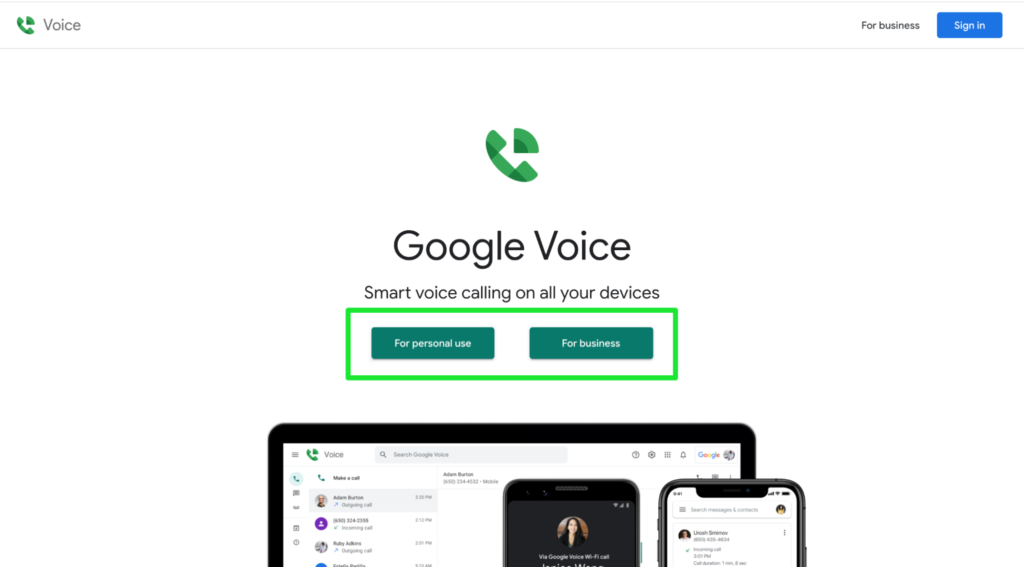
In this guide, though, we’ll focus on an excellent cloud-based phone solution called Google Voice.
Read on as we show you how to set up Google Voice conference calls for professional and personal use, alike.
What is Google Voice Conference Calling?
A conference call is an audio or video call involving multiple participants. You can hold and attend conference calls on Google Voice.
People can join the meeting by dialing a number, which will connect them to a conference bridge. This bridge consists of virtual rooms where multiple people can host or join meetings.
Google Voice uses Google Hangouts to complete conference calls, though it doesn’t require you to have a separate, dedicated conference line in either app to host or join the calls. So when you make a conference call via Google Voice, you’ll have a dedicated space within your account with anyti… Read More