Best Copy Machines

You shouldn’t have to put up with copy machines that are slow, require constant maintenance, and lack up-to-date features. Multipurpose printing and copy machines solve this problem through modern technology upgrades that improve speed and productivity. 

Features like cloud integration, touchscreen panels, and security enhancements separate these machines from the old ones. To help you find the right one for you, we broke down the top five best available. 

The Top 5 Best Copy Machines

Xerox VersaLink C405 – Best for Smaller TeamsKyocera TASKalfa 3553ci – Best for Enhanced SecurityBrother MFC-J6545DW – Best for Infrequent Ink ReplacementsSharp MX-C304W – Best for Multi-Sheet Document FeedingKyocera ECOSYS M3550idn – Best for Low Running Costs

Continue reading our guide to decide which multipurpose copy and printing machine is the right fit for your business. 

#1 – Xerox VersaLink C405 — Best For Smaller Teams

Visit Xerox

Customizable user interfaceConnects with DropBox, Google Drive, and Microsoft One DriveRelatively small modelCopy, fax, print, scan, and send capabilities
Get it now

Paychex Review

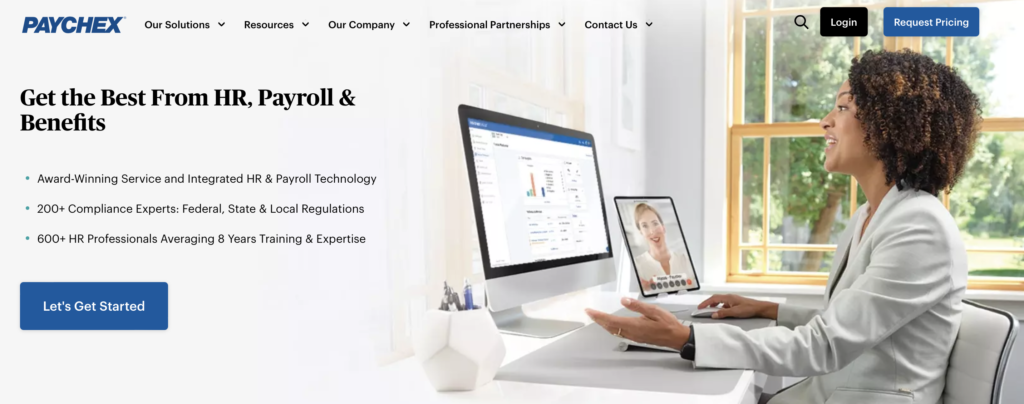
Paychex offers an all-in-one, highly customizable online payroll service and HR solution. It includes payroll, HR, business insurance, attendance tracking, payment processing, and employee benefits. 

Users can find tax credits and ensure regulatory compliance with help from Paychex experts and guides. Paychex has solutions for solopreneurs all the way to large corporations in multiple industries. 

But is Paychex right for you? I’ve done a deep dive into everything Paychex can do and where it has shortcomings. Read on to see if Paychex is the right solution for your payroll and HR needs.

Paychex Pros and Cons

Paychex is a powerful solution that handles your payroll and HR needs with ease. But it is not perfect.

Pros

Paychex excels in a number of areas, including:

Fits All Business SizesTax Credits FeatureBenefits PackagesPayment Processing SolutionsBusiness Insurance Options

Cons

But there are some areas where it falls a bit short.

Tedious Sign-Up ProcessComplex Platform StructureNo Free Trial

Visit Paychex

Best Laser Printers

Printing large volumes of documents on an inkjet printer is, let’s face it, really expensive. Printer ink is basically highway robbery. Not to mention that ink can spill, stain, splash, and generally make a mess if a cartridge breaks or malfunctions, potentially ruining important documents. 

Luckily laser printers are here to help. The best of these printers don’t typically need expensive ink cartridges to run, they don’t dry up and become blocked, and are faster at getting the job done. In other words: they’re ideal for printing large volumes of documents.

We’ve listed the best laser printers money can buy below.

The Top 5 Best Laser Printers

Kyocera Ecosys P6230cdn — The Best for Paper CapacityBrother HL-L5100DN — The Best Compact Laser PrinterXerox VersaLink B600DN — The Best for Printing SpeedXerox B215 — The Best Touchscreen Laser PrinterRicoh P C301W — The Best for NFC Connectivity

Those are our top picks of the best laser printers today. Let’s take a closer look at them.

#1 – Kyocera Ecosys P6230cdn — The Best for Paper Capacity

Visit Kyocera

600-sheet paper capacityMobile print capabilitiesUpgradable printing capacity32 pages per minute
Get it now

Best Membership Plugins for WordPress – (Review Updated for 2022)

Are you thinking about building a membership website? Great idea.

Membership websites generate recurring revenue by offering premium content and features to members. It’s also a great way for you to establish your value within your niche. By offering memberships, you’re telling people that your content is so valuable you don’t have to offer it for free.

In order for your membership business model to function properly, though, you need to install a membership plugin to your website. This plugin helps you manage memberships, payments, and other user information.

If you have a WordPress site, there are tons of membership plugins to choose from. I found 746 in my search alone, and more are added every day.

With all those options, choosing the best one for your needs can be hard. To help you out, I did the heavy lifting for you. I narrowed down the hundreds of choices to the top seven membership plugins on the market today.

Use my review to help you select the one right for you.

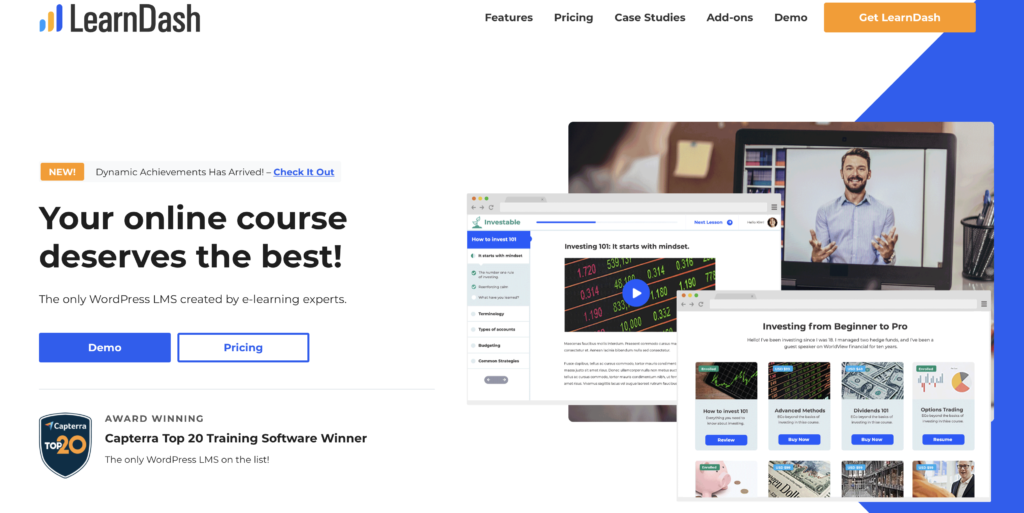
1. LearnDash

LearnDash is for websites that create and sell online courses. It gives you the option to control the enrollment for all of your courses. You’ll set the pricing, and determine if the course is available to the public or exclusive to members.

There are a few … Read More

Salesforce Review

Salesforce is one of those rare jacks-of-all-trade customer relationship management (CRM) software tools that actually masters everything. There’s a lot you can do in a single platform including sales, service, marketing, commerce, and IT.

But Salesforce isn’t just multifaceted—it’s also highly customizable and built with best-in-class technology.

That said, depending on your company’s size and sales volume, Salesforce can be go from empowering to overwhelming fast. How do you know if it will work for you?

I’ve taken the guesswork out of understanding Salesforce with this comprehensive review. I’ve boiled things down and explained the essentials you need to understand about this robust CRM tool.

Read on to learn everything you need to know to decide if Salesforce is right for your business.

Salesforce Pros and Cons

There’s lots to love about Salesforce. But it comes with some cons, too.

Pros

Salesforce does a lot of things really well and offers robust functionality.

Fully cloud-basedMobile accessibleLow-code customizationFree trainingBuilt-in securityAI-poweredVery expandableDetailed analytics

Cons

But it isn’t perfect for every business. It is also:

Relatively expensiveComplicated to implementOffers inconsistent support