Without a doubt, Shopify is our recommended ecommerce tool.
But what if you’re already on another ecommerce tool and want to make the switch?
I put together this guide to help you transfer your store to Shopify in 4 easy steps. In mapping out these steps below, I’ve assumed a few things:
You already have a store built that’s generating revenue.
You want to keep that revenue going while you build your new store.
You have a domain that was purchased through another domain registrar and won’t be purchasing your domain through Shopify.
Let’s dive in.
Step 1: Build Your New Shopify Site
First let’s get your Shopify store built.
During this step, don’t worry about your new Shopify store conflicting with your old store. Your Shopify store will be locked behind a password so no one can see it until you’re ready to launch your new store. You’ll control when it becomes publicly accessible.
The store will be built on a Shopify subdomain which looks like company.myshopify.com so there won’t be any conflicts with your current store. Traffic and revenue will keep coming in like normal.
We have a complete guide on how to create your ecommerce store on Shopify here.
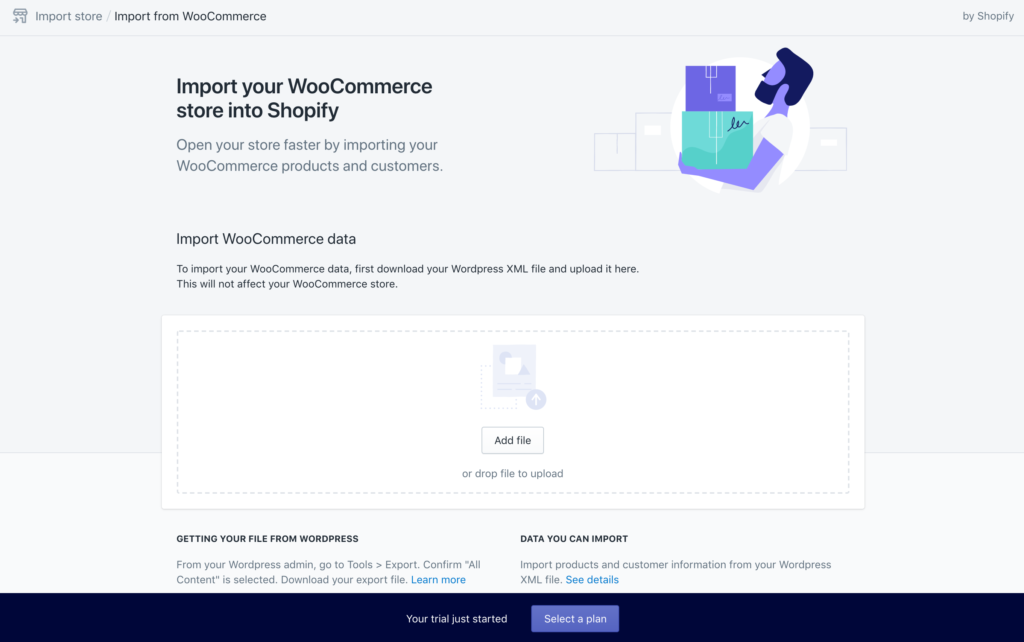
Most likely, you’ll have to build the store yourself. That means you’ll have to add the info for each product and page from your old store by hand. Yes, it’s definitely tedious but once it’s done, you’ll be so glad that you moved ev… Read More