Want to get going right away? Sign up for SimpleTexting and start texting from your laptop today.
Texting and cell phones usually go together like peanut butter and jelly. But if you want to leverage the power of text messaging to market your products or services, reach prospects quickly, or alert your workforce to time-sensitive information, it’s actually really hard to do from your phone. That’s why business text messaging services exist.
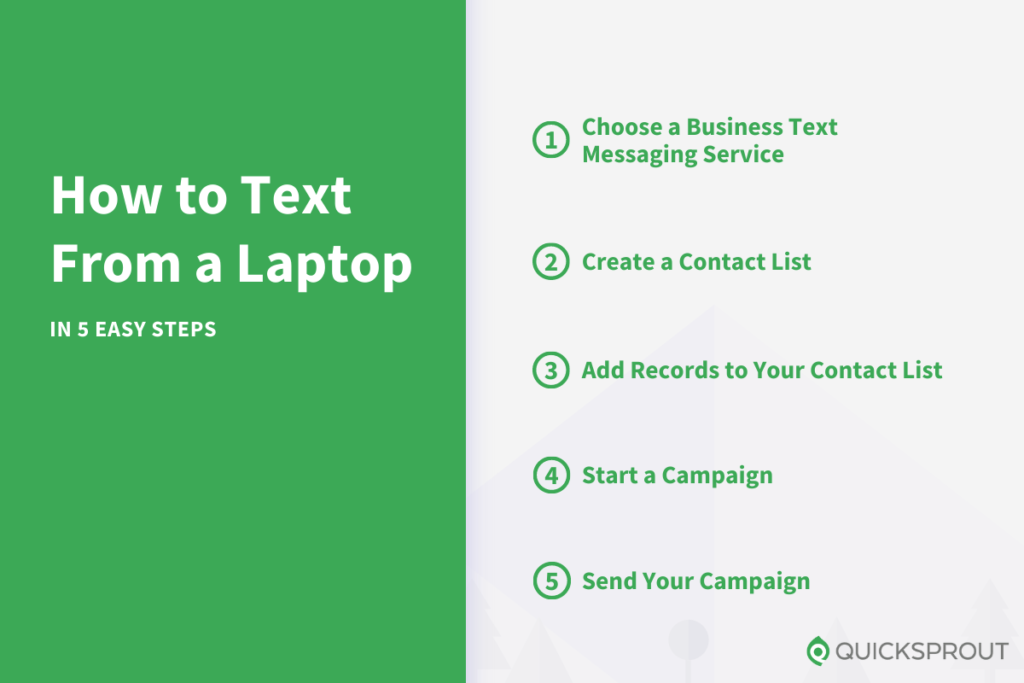
With these services, you can easily use your laptop to send a text message to a single recipient or a group text to larger audiences. This type of quick and efficient outreach can play a big part in your company’s success. Read on to learn how to quickly and effectively text from a laptop.
Quick Start Guide to Texting from a Laptop
Whether you want to send bulk texts to your entire customer database or an individual message to a high-value contact, SimpleTexting is software that makes it easy to do both. Sending a text to a single contact takes just two steps.
First, sign up for a SimpleTexting account. There are a variety of plans available there, with pricing determined by how many texts you plan to send each month.
There’s also a 14-day free trial, so you can test the waters with no obligation. You don’t even need to pr… Read More