Want to just get started? Sign up for Zoho Assist and create your remote desktop today.
In your workplace, there are a few things that you need in order to be productive. Sometimes, you need a second monitor to get all of your work done.
Or, you might need to access certain files that are only stored on your work computer.
If you find yourself in any of these situations, you can set up a remote desktop.
A remote desktop allows you to access another computer as if you were sitting right in front of it. All you need is an internet connection and a computer or mobile device.
The Top Remote Support Software to Set Up a Remote Desktop
If you want to set up a remote desktop, you need to have the right software. Here are the best software solutions to help you do that:
Zoho Assist – Best for unattended remote accessTeamViewer – Best for efficient remote supportBeyondTrust – Best for extra security enforcementAnyDesk – Best for fast, user-friendly remote desktop supportPulseway – Best for personal use
You can read our full reviews of the best remote software solutions here.
5 Steps to Setting Up a Remote Desktop
Now that you know which software to use, it’s time to set up your remote desktop. Here’s how to get started:
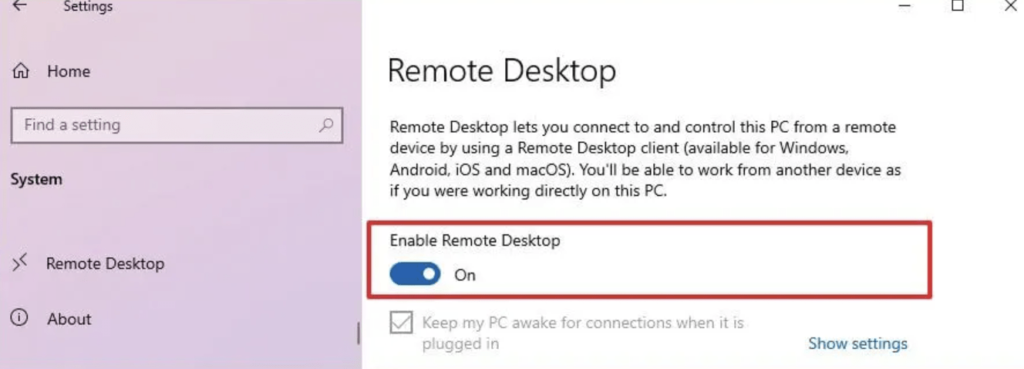
Allow remote connections using Settings or Control PanelGet started with Zoho AssistStart your remote support sessionConnect to the remote desktopUse your r… Read More