“Error establishing a database connection.”
Nobody likes seeing this message. It’s scary, frustrating, and practically the definition of a bad day for a WordPress website owner.
You can’t understand what went wrong. Your internet connection is good, you’ve logged out and logged in into your account again, you’ve sent up a prayer. But still… nothing.
No need to panic!
Fixing an error when establishing a database connection in WordPress isn’t that difficult. All you need is a little guidance, which is exactly why I’ve created this guide.
What to Expect When Fixing Error Establishing a Database Connection in WordPress?
An error establishing a database connection is a very common issue. It’s also self-explanatory—it’s an error that occurs when the database connection fails. To solve it, just follow the steps below:
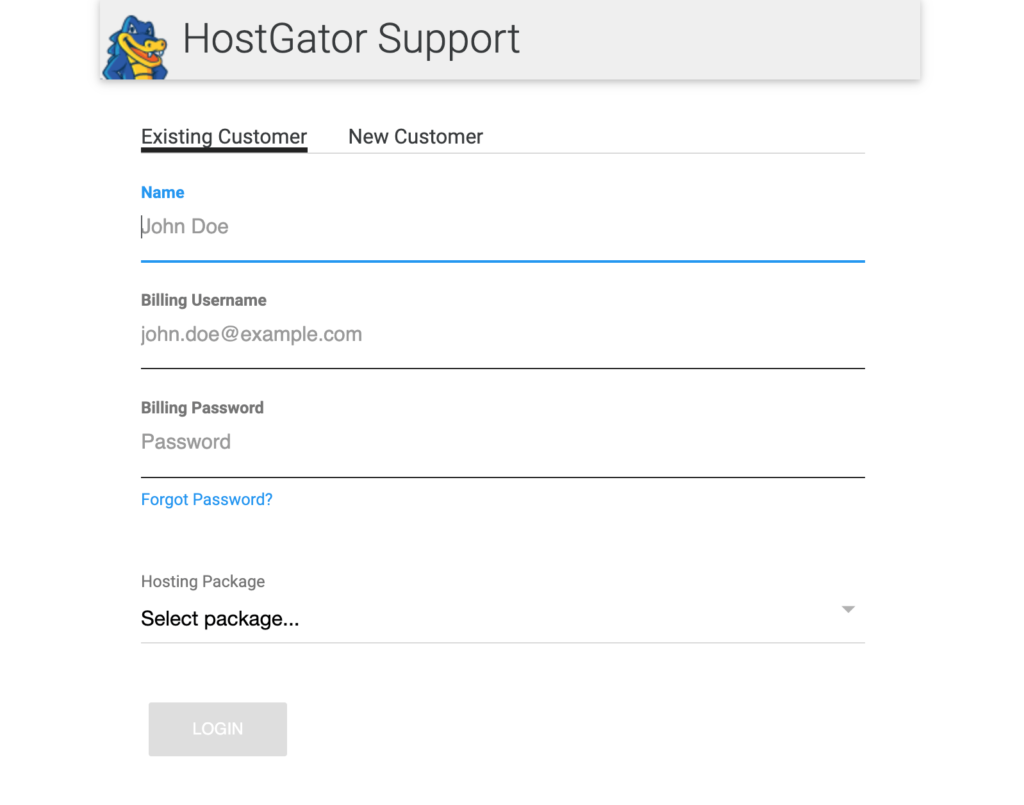
Step 1 – Contact Your Web Hosting Service Provider
Step 2 – Check Whether Your WordPress Theme or Plugin Files Are Corrupted
Step 3 – Check Whether Your WordPress Base Is Corrupted
Step 4 – Check Whether Your Database Connection Credentials are Correct
Step 5 – Restore the Default WordPress Files
The Good
The error message can pop up due to all kinds of reasons.
Luckily, you can solve this problem without any extra hassle by simply contacting your web host provider.
There might be a server down that’s causing the error. Assuming your chosen web host provider has… Read More