Keywords are your short phrases to success that let people find your content when putting in a search query. On the other hand, meta descriptions are HTML meta tags that inform search engines about your post and page content.
As you can judge by the definitions, both are really, really important for SEO.
This guide will help you understand how you can add keywords and meta descriptions in WordPress to make your website more enticing and click-worthy.
Ready? Let’s begin.
What to Expect When Adding Keywords and Meta Descriptions in WordPress
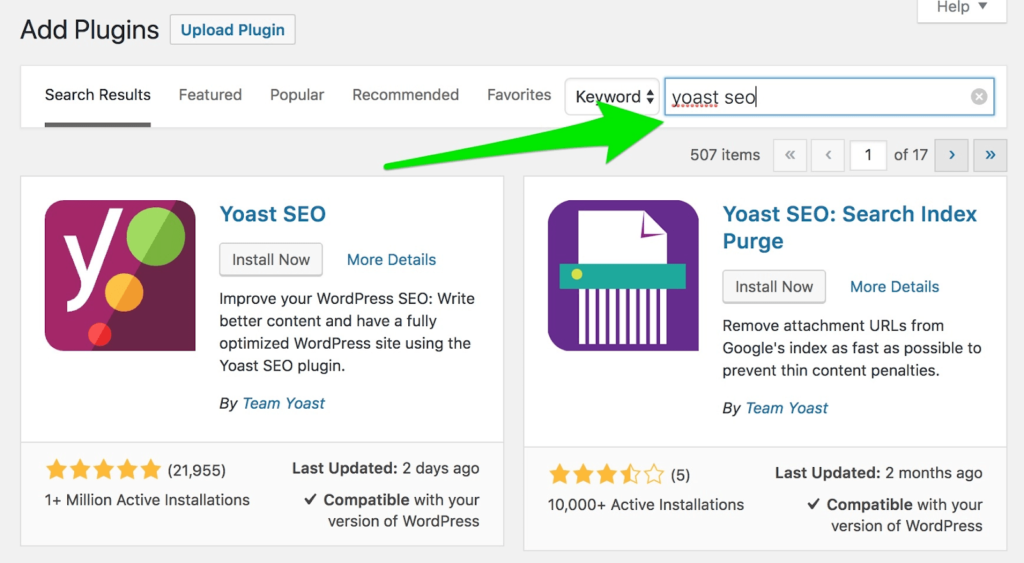
Step 1 – Install and Activate Yoast SEO Plugin
Step 2 – Add the Focus Keywords and Meta Description
Step 3 – Adding the Keywords and Meta Descriptions Manually
The Good
The very first result on Google gets 31.7% of all clicks, while the results on the second page receive just 0.78% of clicks. That’s the difference applying SEO best practices can make to your content, and in turn, your business.
Keyboards and meta descriptions are the little parts of SEO that can help you rank your web pages higher in the search engine results pages (SERPs), and the higher the rank, the better for your business.
They provide additional information to search engines and uses about your content. When Google knows exactly what your content is about, its chances of showing your article to users wanting to learn more about a specific keyword are higher.
More views translate to higher traffic and poss… Read More