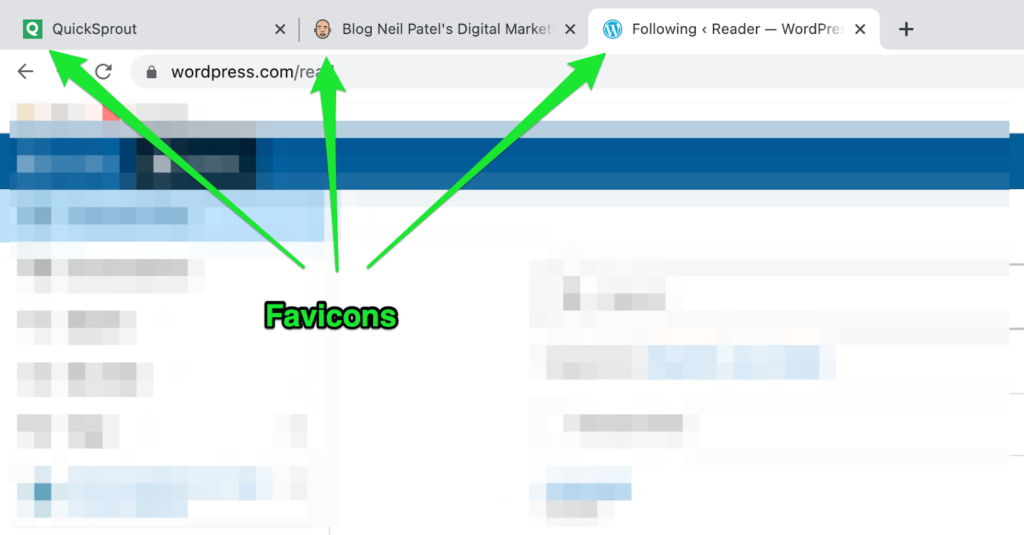
Favicons are tiny, often overlooked but incredibly useful site icons that help establish a strong visual identity for your WordPress website at the very first glance. Precisely why every website needs a favicon.
It makes an excellent first impression on the user and also adds a professional touch to your website. The fact that your website instantly stands out from others is another plus.
Think of Quicksprout’s green Q image, Neil Patel’s face icon, and the iconic W of WordPress, to name a few.
Now, when something can give you such great results and is super simple and straightforward to create, you should take full advantage of it. Don’t you agree?
In this guide, I’ll show you how you can create a favicon for your WordPress website, along with some advice to do it faster and more effectively.
Let’s get to work!
What to Expect When Adding a Favicon When to Your WordPress Website
Adding a favicon to your WordPress website is a super simple process. You have to create the favicon set first and then add it to your site using either the WP customizer, a plugin, or FTP.
Here’s how to go about it:
Step 1 — Create a WordPress Favicon for Your Website
Step 2 — Add the Favicon to Your WordPress Website
The Good
Brand identity and recognition is th… Read More