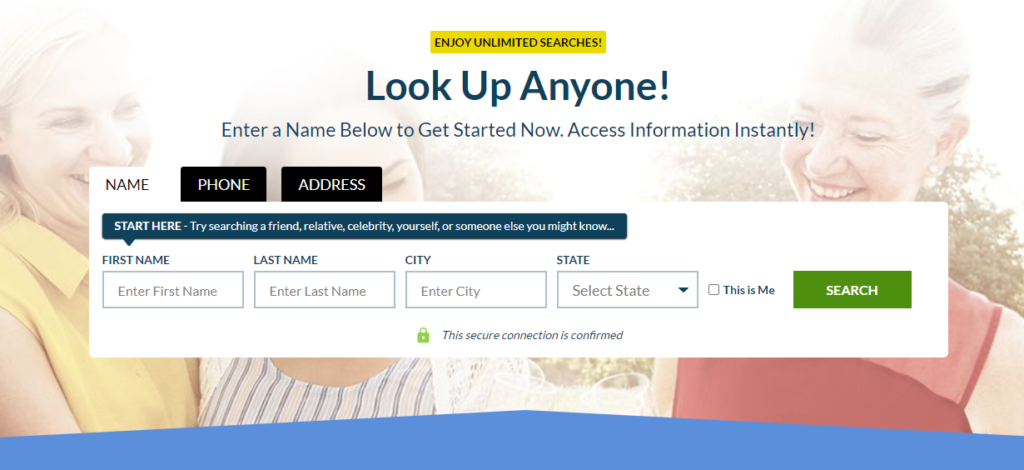
How to Do a Background Check Before Hiring

Bad hires are every company’s worst nightmare.

Not only do they waste the company’s resources but also jeopardize the safety of employees and customers.

A bad or incompetent employee brings down morale and creates an uncomfortable work environment for everyone else. More than that, a bad hire can create unsafe working conditions or make a mistake that hurts clients or costs them money.

Unfortunately, these bad apples escape most hiring professionals’ scrutiny by lying on their resumes. A better way to weed out these wrong candidates is to perform background checks that will comb through each applicant’s history as a true detective would.

The Easy Parts of Doing Background Check

You don’t have to go all-out when doing background checks.

If you’re only screening candidates applying for entry-level positions, you don’t need to conduct all background checks right off the bat. Similarly, if you’re at the initial stage of the screening process to filter out multiple candidates, paying for comprehensive background reports may not be practical at all.

In both instances, simple identity verification is enough.

Unlike other more complicated reports, identity verification can provide background check results almost instantly or within the day. All you need is the applicant’s name, social security number, and birth date and the third-party provider can return valuable results for you.

The Best Data Visualization Tools

Want to jump straight to the answer? The best data visualization tool for most people is Zoho Analytics.

Data visualization tools transform raw data into something people understand at a glance.

Rather than scanning large data queries and complex reports, you can use data visualization software to create a chart, infographic, or interactive dashboard.

Some of the most useful tools will take a good deal of setup, but there are others you can start using today to level up the way your present data.

The Top 9 Best Data Visualization Tools

Zoho Analytics – Best Overall Data Visualization ToolTableau – Best Data Visualization Tool For Business IntelligenceInfogram – Best For DIY Infographics and Visual ReportsChartBlocks – Best Online Chart BuilderSisense – Best For Developers and Data EngineersDatawrapper – Best Data Visualization For Interactive MapsChartio – Best Data Visualization Tool For Team CollaborationCluvio – Best For Data-Driven StartupsWhatagraph – Best Data Visualization Tool For Agencies

After extensive research, I’ve narrowed down the top nine data visualization tools on the market today.

Each review below contains the features, benefits, pricing, use cases, and potential drawbacks for the tools on our list.

Zoho Analytics — Best Overall Data Visualization Tool

Wix Review

Wix is a fantastic website builder with simplicity at its core. The drag-and-drop editor lets anyone create a website with clicks, not code.

Nothing is as easy on day one. Whip up a unique site for a small business, or portfolio to showcase your work.

I’ve reviewed Wix many times, and it keeps getting better. Build a site that looks professional, for a great price, in less than an hour.

Wix Pros and Cons

Pros

Free plan availableScalable pricingBeginner-friendly interfaceDrag-and-drop editorHands-off security and maintenanceAutomatic website backupsExtensive app marketWidest selection of prebuilt templatesComprehensive knowledge baseBuilt-in traffic analyticsInnovative AI assistant

Cons

Cannot switch templates once a website is liveNo live chat supportDifficult to migrate away to another platform

Visit Wix

Compare The Best Website Builders
We reviewed dozens of website builders and narrowed them down to the best options.
See Top Picks

Local SEO vs. On-Page SEO – Do You Need Both?

In this blog, we will discuss two important types of SEO – namely local SEO and on-page SEO. But first, let’s quickly discuss what SEO is.

SEO is defined as a process that involves certain steps/procedures to help a piece of content or website rank higher on Google.

In the early 2000s, SEO used to be simpler. But as time progressed, the entire SEO process took a more complex turn. Now when optimizing a site for search engines, you have to take into account certain rules to meet different search engine ranking requirements as well as to keep your users happy.

Talking about local SEO and on-page SEO, these are considered the two primary SEO types. Let’s learn more about each of them in detail before we proceed to the local SEO vs. on-page SEO comparison:

What is Local SEO?

As per the latest statistics, 18% of local searches result in a purchase within a day.

Local SEO is the process involving optimizing your online presence to attract more business from relevant local searches on search engines. Local SEO, when done correctly, increases local awareness about your business in a quick and easy manner, bringing the locals a step closer to a purchase. 

4 User-Generated Content Ideas (and Tools To Check If They Work)

It’s hard to keep the content on your social channels fresh. Luckily, your brand doesn’t have to create everything from scratch. Look to your customers, friends, influencers, and others who are and could produce user-generated content. Continue reading →

The post 4 User-Generated Content Ideas (and Tools To Check If They Work) appeared first on Content Marketing Institute.

Read More