How to Build a Sales Funnel

Businesses design sales funnels to lead prospective customers through the buying process. When built correctly, funnels can take a person who has never heard of your business and turn them into a paying customer.

Without a firm grasp of how sales funnels work, you’ll never be able to maximize the reach of your company.

It doesn’t matter if you’re selling online, in-store, direct to consumer, or B2B—every business in every industry should have a sales funnel. This guide will teach you how to build a sales funnel that converts.

What to Expect When Building a Sales Funnel

Creating a sales funnel might seem complicated, especially if you’re a beginner. But with five steps, you can simplify the entire process:

Understand the Sales Funnel Stages
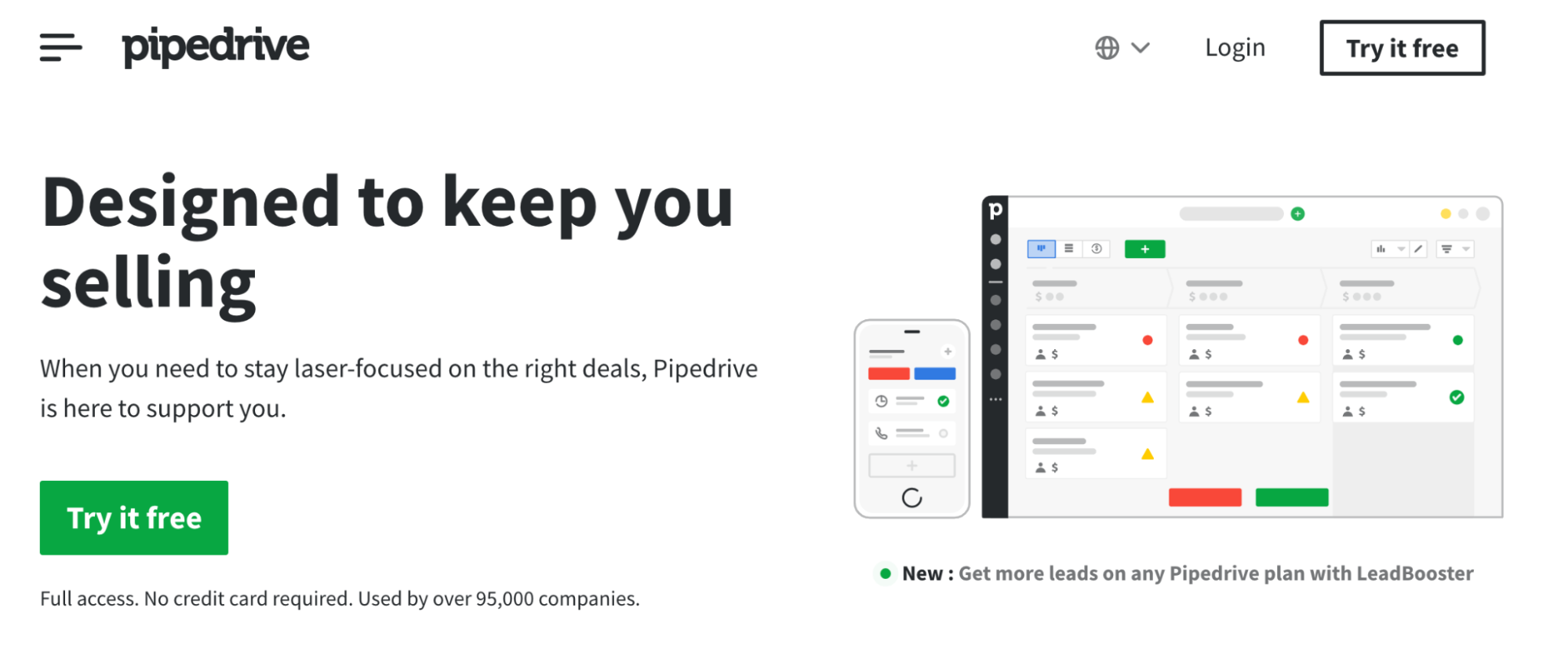
Use Software to Build Your Sales Funnel
Create a New Sales Funnel
Add a Deal to the Sales Funnel
Move Deals Through the Sales Funnel

The Good

Sales funnels are arguably the most crucial way businesses generate leads and convert them into paying customers. Once you can implement a successful sales funnel, you’ll quickly benefit from increased revenue.

While sales funnels can be complex and time-consuming to get right, once it is locked in and doing well, it will continue to work for you in perpetuity, making it key for scaling your business. After all, to be successful, a business must make a high volume and consistent sales to grow.

Your sales funnel will keep working 24/7/365. Sale… Read More
The Beginner’s Guide to Sales Email Templates

You already have a long list of promising prospects. Now, top on the agenda is sending out those valuable sales emails. You can’t expect to write thousands of emails from scratch, and you don’t have to.

The next best thing is to use sales email templates. Your template doesn’t have to be some boring cookie-cutter email that’s indistinguishable from spam. The right approach will get prospects to open, read, and engage with your sales emails.

What Is a Sales Email Template?

Email has consistently proven to be one of the best ways to connect with potential clients during the prospecting stage. Sales emails help promote your company’s products and services and increase revenue.

Writing hundreds or even thousands of sales emails from scratch can get monotonous and tiring, if at all possible. This is where email templates come in. A sales email template is simply a pre-written email you can personalize and send out to multiple recipients across multiple campaigns.

These templates are customizable, allowing you to change or update content to make it relevant to your target audience. Using templates helps save time, enable you to maintain a consistent corporate voice in all your communication, and reduce the chances of making a mistake.

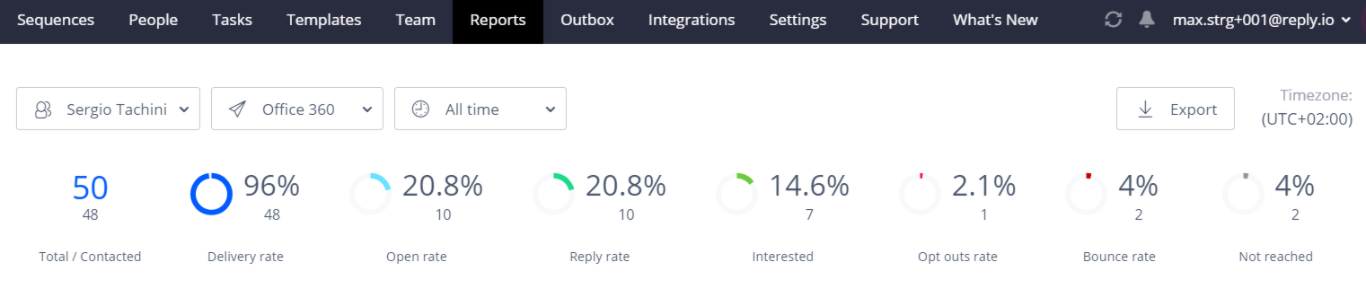
3 Tools to Improve Your Sales Email Outreach

Fortunately for you, there is no shortage of tools to help you create sales email templates that get results. Here are some of the things you&… Read More

Zoom Vs. GoToMeeting

A successful meeting depends on a reliable video conferencing platform. Zoom and GoToMeeting both rank near the top of best video conferencing services. But which is better?

Both use communication technology that allows teams to access different features and hold a meeting as close to in-person as possible with so many employees working from home. They come with features like video conferencing, screen sharing, recording, transcribing, and more advanced settings to make conducting meetings easy for your whole team.

The cloud-based software lets you connect with any team, whether you work in education, healthcare, sales, or another field where you need to communicate with others. Choosing the right one means giving your company the tools they need to increase productivity and collaboration.

Can’t decide between Zoom and GoToMeeting? Let’s look at how they stack up against each other.

Zoom Pros and Cons
Pros

Lot s of advanced options
Offers Breakout Rooms for meetings
Easy to navigate

Cons

Some add-ons are expensive
Lots of extra costs

Visit Zoom

Advanced screen & audio sharingJoin meetings from any devicePassword-protected meeting securityFive pricing plans
Try for free

Monday.com Project Management Review

More than 100,000 teams use Monday.com as their dedicated project management software. It’s trusted by big-name companies like Universal Studios, Adobe, Coca-Cola, and NBC, which makes it one of the more reliable and popular project management software options on the market today.

Unfortunately, Monday.com doesn’t feature in our top list of best project management software. However, from an outside perspective, Monday.com stacks up well against most software that we reviewed and is still a helpful alternative for project management.

With an emphasis on working the way that works for you, Monday.com is great for small or large businesses alike. It offers extensive features and 24/7 customer support that enhances even the most basic of projects.

Monday.com Pros and Cons
Pros

Built-in time tracking
Mobile app for remote work
Multiple board views
Visualize project progress
Manage everything in one workspace

Cons

Limited activity logs
No integration or automation in the Basic plan
Can’t assign comments to team members

Visit Monday.com

Compare The Best Web Hosting Providers
No matter what type of projects you’re managing, our guide will help you find the best project management softwar… Read More