The Essential Guide to Video Call Recording

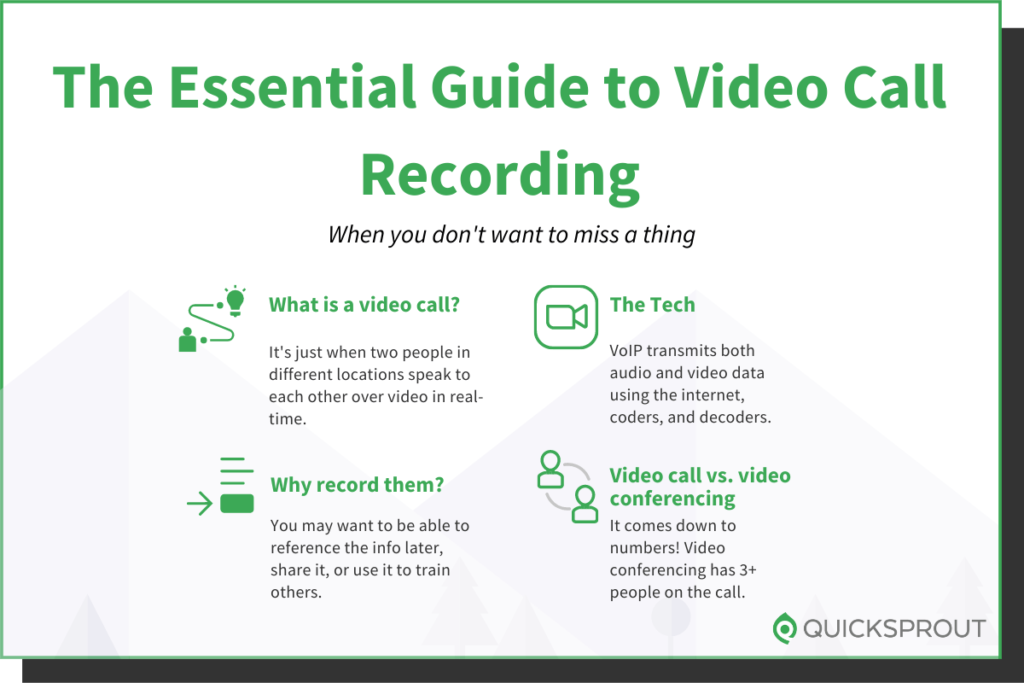
With distributed workforces the norm, incorporating video into communications with colleagues and customers isn’t just a nicety anymore–it’s a necessity. Recording the most important of these video calls helps you preserve information that can later be reviewed and shared with colleagues, customers, and even prospects.

In this guide, I’ll show you how easy it is to record video calls and explain the reasons why you might want to hit the record button next time you’re in an online video meeting. I’ll also explain the basics of how video calls work, cover what makes video calls different from video conferences, and share tips on creating a professional video conferencing environment.

Video Call Recording Quick Links

Use this quick link road map to go straight to the information you want to read now.

Top Rated Video Conferencing Services Video Calls ExplainedHow to Record a Video CallHow to Review and Manage Your Video Call RecordingsHow to Set Up a Video Conferencing SpacePros and Cons of Recording Video Calls

Ready to dig in? Let’s get started.

Top Rated Video Conferencing Services 

Video calls can be made with a tool like Skype or Slack. But these tools have limitations, especially when it comes to the number of people you can have on any call. And starting a … Read More

How to Choose a Webinar Topic

Webinar success is often measured by registration and attendance. But in today’s non-stop, tech-driven world, how do you rise above the noise and capture the attention of busy prospects? And once you do, how do you get them to actually commit their time to show up for your webinar? 

The secret is to offer a topic that is interesting, engaging, and, above all, valuable. If you don’t, you may find yourself presenting to empty seats. To ensure your webinar is standing room only–virtually anyway–it’s critical to choose a great webinar topic. In this article, I’ll show you how easy that is to do.

How to Choose a Webinar Topic in 5 Steps

Selecting the right webinar topic involves more than just picking a subject that is interesting to you. It requires a strategic approach and analysis. But that process isn’t as hard as it sounds. You can choose a winning webinar topic and create a successful webinar in just five steps:

Identify Goals and ObjectivesDefine the Target AudienceFinalize Your Webinar TopicDetermine the Webinar LayoutSelect High-Quality Webinar Software

Ready for success? I’ll walk you through the full webinar planning process in detail.

#1. Identify Goals and Objectives

Choosing a great webinar topic begins with a little legwork. Start by thinking about w… Read More

Compare The Best Website Builders

Want to jump straight to the answer? The best website builder for most people is Zyro or Wix.

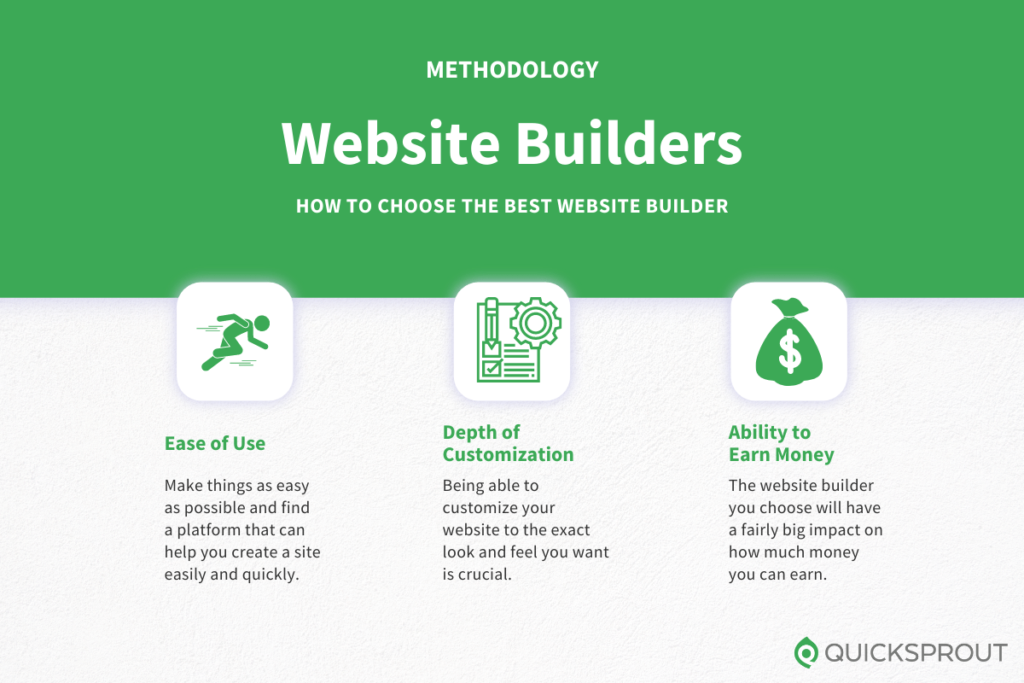
The best website builders make it easy for anyone to create a new website from scratch—even if you have zero experience. Just start with a professionally designed template and customize everything to make it your own.

The 6 Best Website Builders

Zyro – Best for keeping website costs lowWix – Best website builder for your first websiteBluehost WordPress Website Builder – Best for building sites that grow with your businessSquarespace – Best website builder for creators of all stripesWeebly – Best for making money with an ecommerce storeGoDaddy – Best for building your website from your phone

Website builders have gotten so much better over the years. Today, you don’t have to struggle getting a site online or updating it with the times.

To find out which ones were the most helpful, the Quick Sprout research team got in touch with people who used these website builders for their business.

Through surveys and interviews, we were able to get a really great picture of how each website builder performs in real life. Keep reading to get the real sto… Read More

How to Organize Slack Channels

Slack is a ubiquitous business communication tool, but using it without a strategy to keep channels organized can lead to chaos. Lost messages and confusion over channel purposes are just a few common Slack pitfalls. 

Whether you’re managing Slack for your team or the entire company, a few minutes of planning and organizing your channel strategy at the start will save time and eliminate confusion down the road. It’s easy to do, and I’ll show you how.

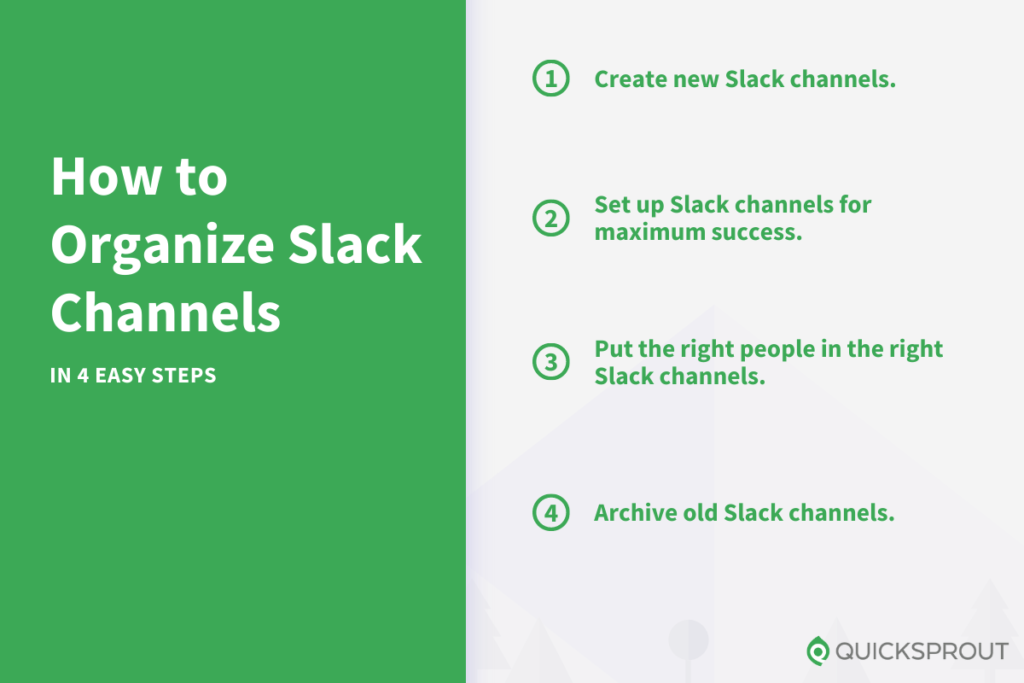
Organize Your Slack Channels In 4 Easy Steps

Slack is the most versatile team messaging software on the market today. It’s an easy and effective tool to make everyone’s workday more efficient. Streamlining Slack channels takes just four steps.

Create New Slack ChannelsSet Up Slack Channels for Maximum SuccessPut the Right People in the Right Slack ChannelsArchive Old Slack Channels 

Ready to become a Slack channel master? Let’s get started.

1. Create New Slack Channels

Slack comes with two public channels already created–#general and #random. By default, every member you add to Slack is automatically added to both channels. The difference between the two default channels is that members cannot leave #general, making it a great spot to share company-wide announcements.

Of course, you’ll want to add … Read More

Why Brands Believe Their CX is Better Than It Really Is

if (typeof BingeIframeRan === “undefined”) {
window.addEventListener(“message”, receiveMessage, false);
function receiveMessage(event) {
try {
var parsed = JSON.parse(event.data)
if (parsed.context === “iframe.resize”) {
var iframes = document.getElementsByClassName(“binge-iframe”);
for (let i = 0; i < iframes.length; ++i) {
if (iframes[i].src == parsed.src || iframes[i].contentWindow === event.source) {
iframes[i].height = parsed.height; }
iframes[i].style.opacity = 1;
}
}
} catch (error) {
}
}
var BingeIframeRan = true;
}

Five-star reviews. Customer opinion surveys. Testimonials. Net Promoter Scores. We all want to know how much someone likes our brand, product, service, experience, us.   Most any o… Read More