SiteGround has one of the top reputations in the web hosting industry. Over 2 million domains are hosted on the platform.
That’s one of the many reasons why SiteGround made my list of the top web hosting services on the market today.
For those of you who are new to hosting your website with SiteGround, you might be wondering how to navigate your dashboard. Fortunately, if you read any SiteGround web hosting reviews, you’ll quickly learn that the platform is very user-friendly.
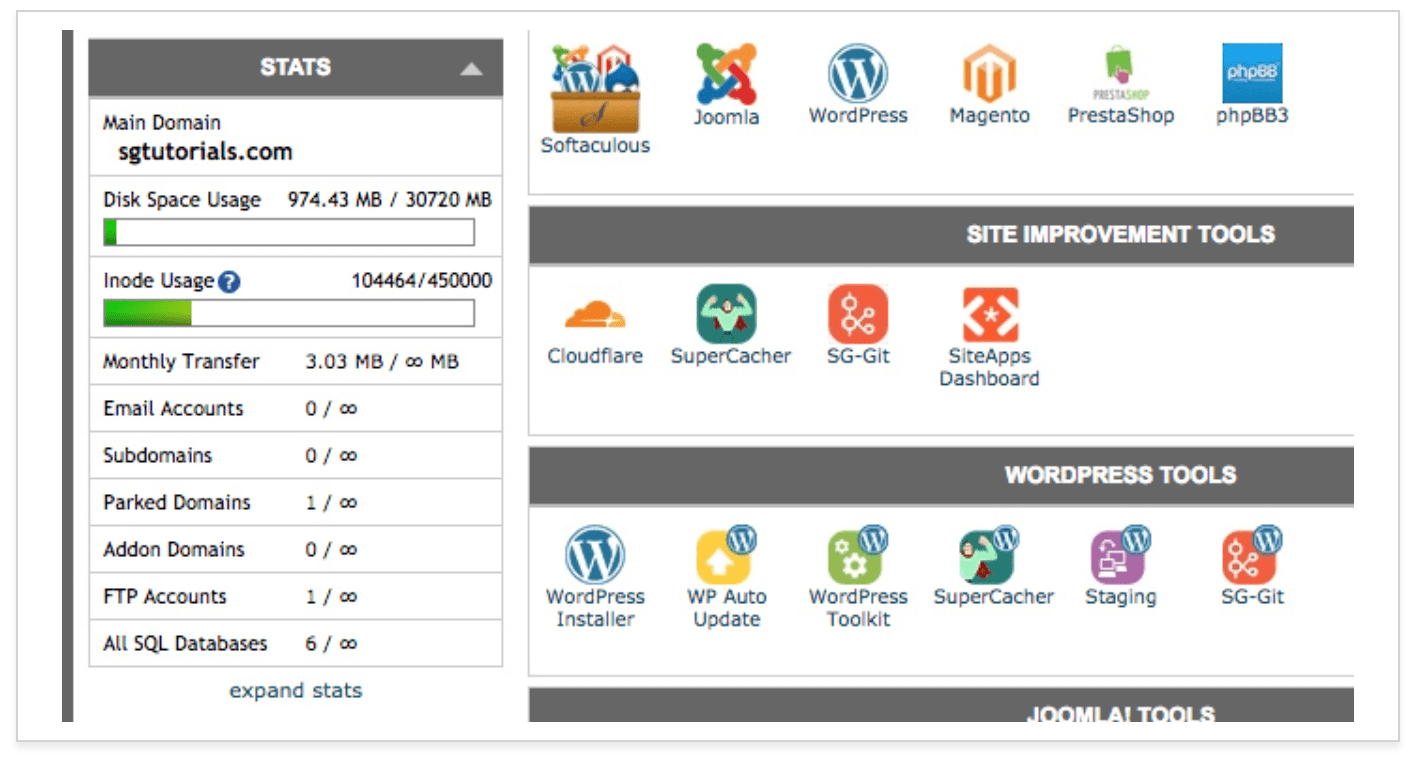
SiteGround uses cPanel, which is a highly responsive web-based control panel that’s used for managing your settings and account.
cPanel runs on Linux and is extremely versatile. It’s where you’ll customize your site and web hosting needs. SiteGround cPanel is well designed so anyone can use it, regardless of their technical skill level.
With cPanel, you’ll be able to do things like:
Install WordPress (or another CMS)
Back up your site
Review resource usage
Make changes to your server
Set up emails
Connect domains to your hosting plan
Manage databases
Manage security
As you can see from this list, the web-based control panel from SiteGround is very flexible.
I’ll show how to perform certain tasks with cPanel, to optimize your experience using SiteGround for web hosting.
Account Usage Statistics
If you want to know how much web hosting resources you’re using, you’ll need to navigate to the “statistics” section of yo… Read More